
Description
LedgerBizz v2.0.0
Streamline Your Business with Secure, Offline Invoicing & Management
LedgerBizz v2.0.0 is the ultimate offline invoicing software designed for freelancers, consultants, and small businesses who value privacy, speed, and simplicity. Developed by BrandGo Technologies, LedgerBizz empowers you to create professional PDF invoices, manage customers, track products, and generate business reportsβall without requiring an internet connection.
Say goodbye to monthly subscriptions and cloud dependency. With LedgerBizz, your data stays on your computer, encrypted and secure.
β¨ Key Features
π Professional Invoice Generation
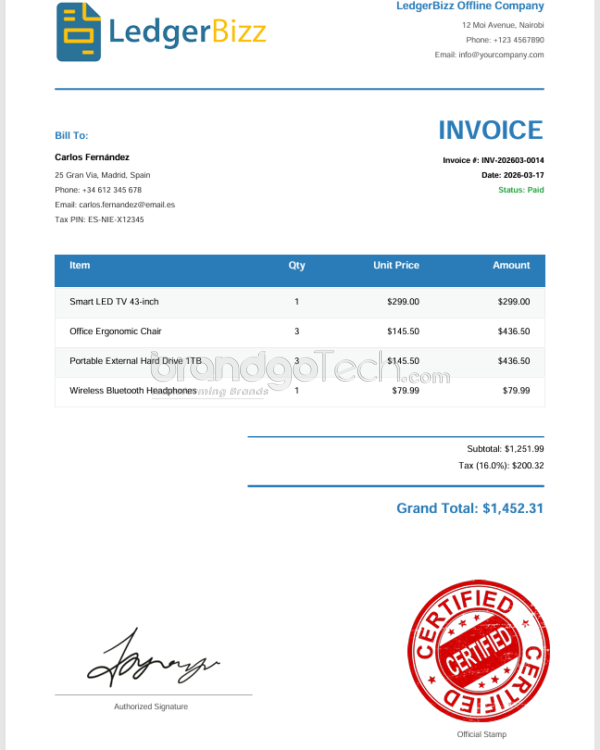
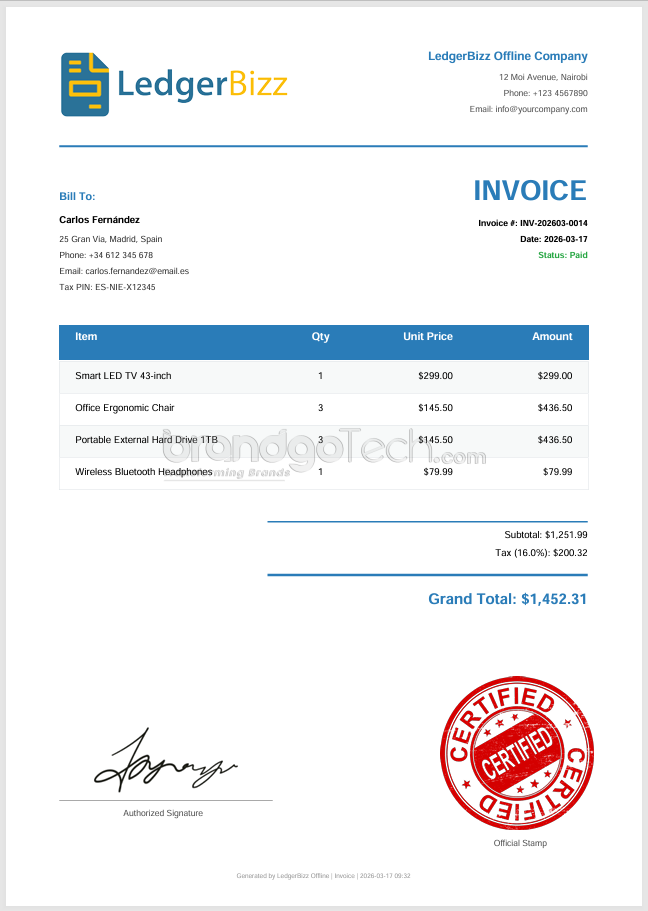
Create stunning, branded invoices in seconds. Customize with your company logo, stamp, and signature. Supports multiple document types:
- Invoices
- Receipts
- Quotations
- Delivery Notes
π₯ Customer & Product Management
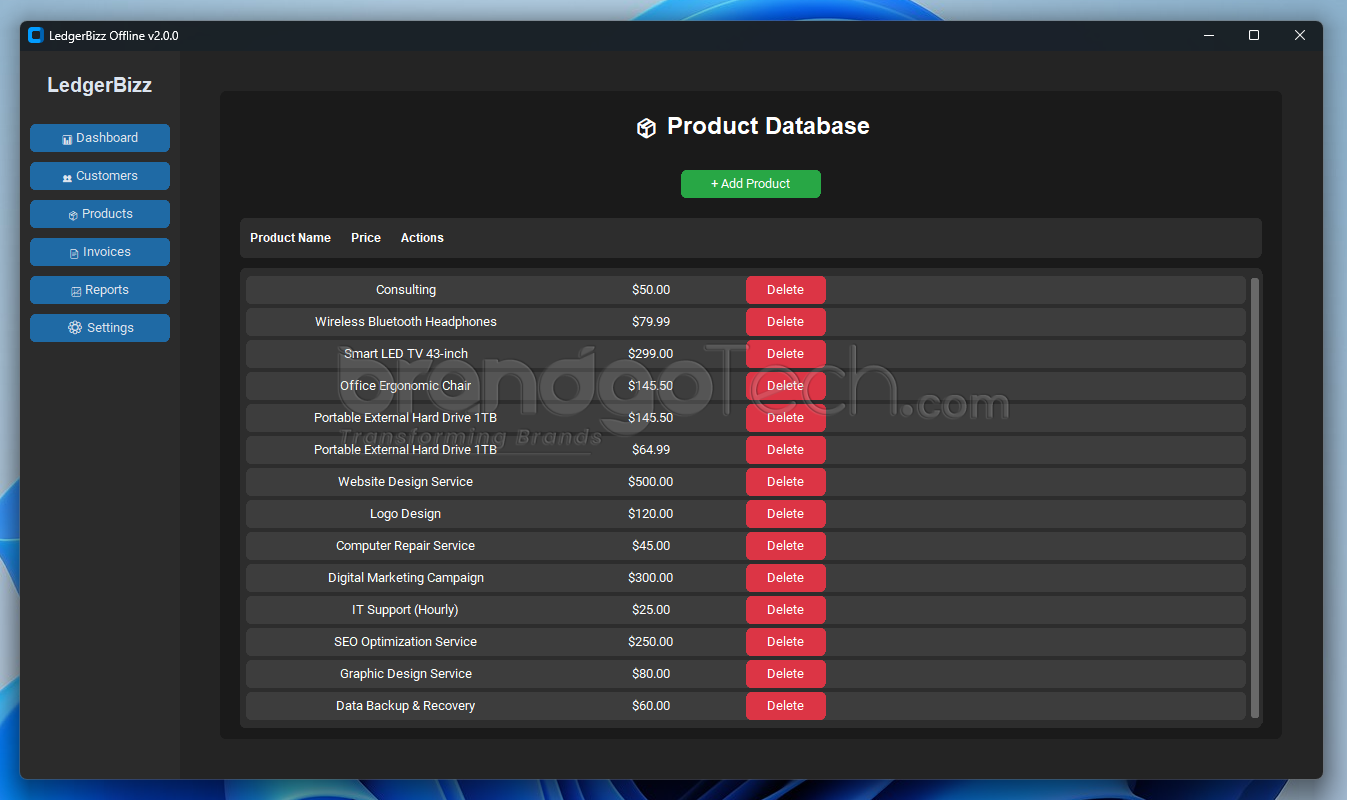
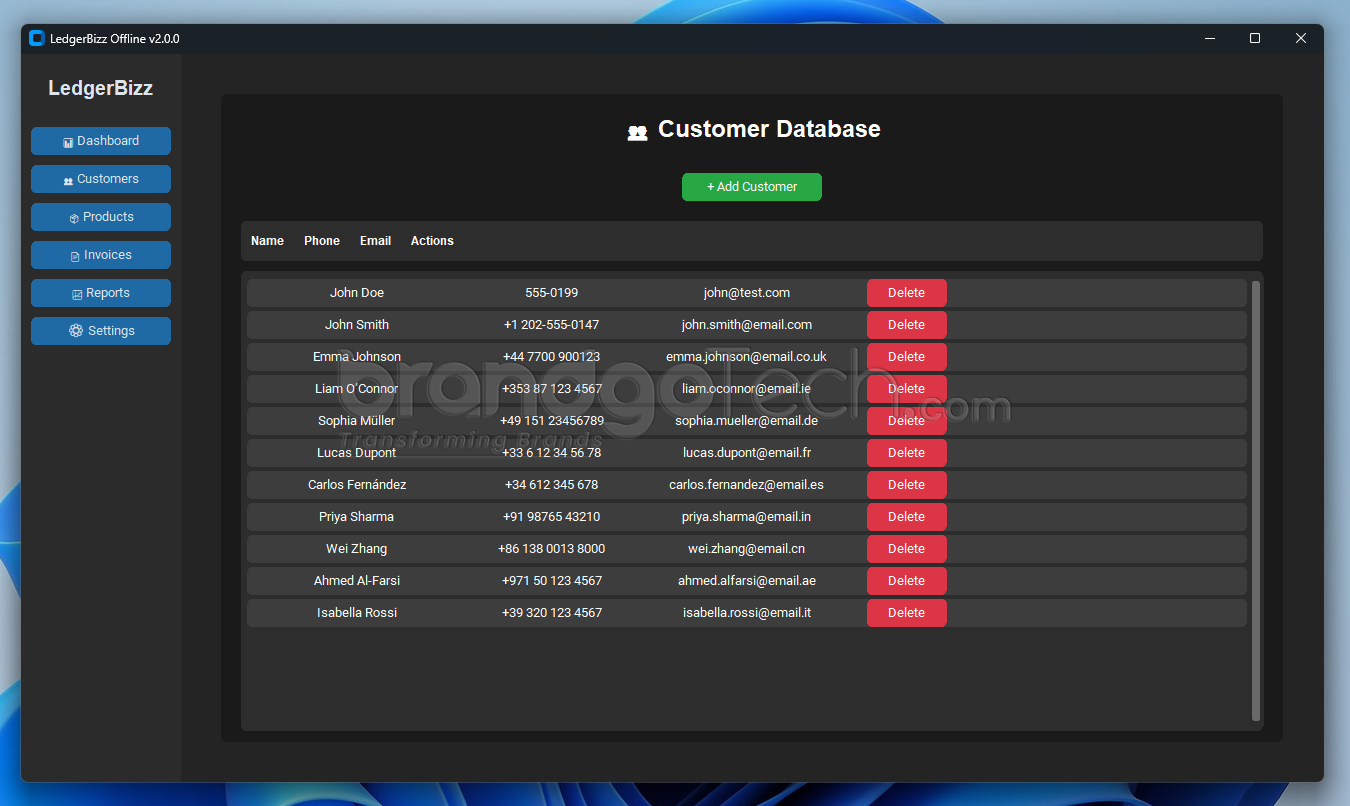
Keep all your business relationships organized. Store customer contact details, tax information, and invoice history securely. Manage your product catalog with pricing and descriptions for quick invoice creation.
π Business Analytics & Reports
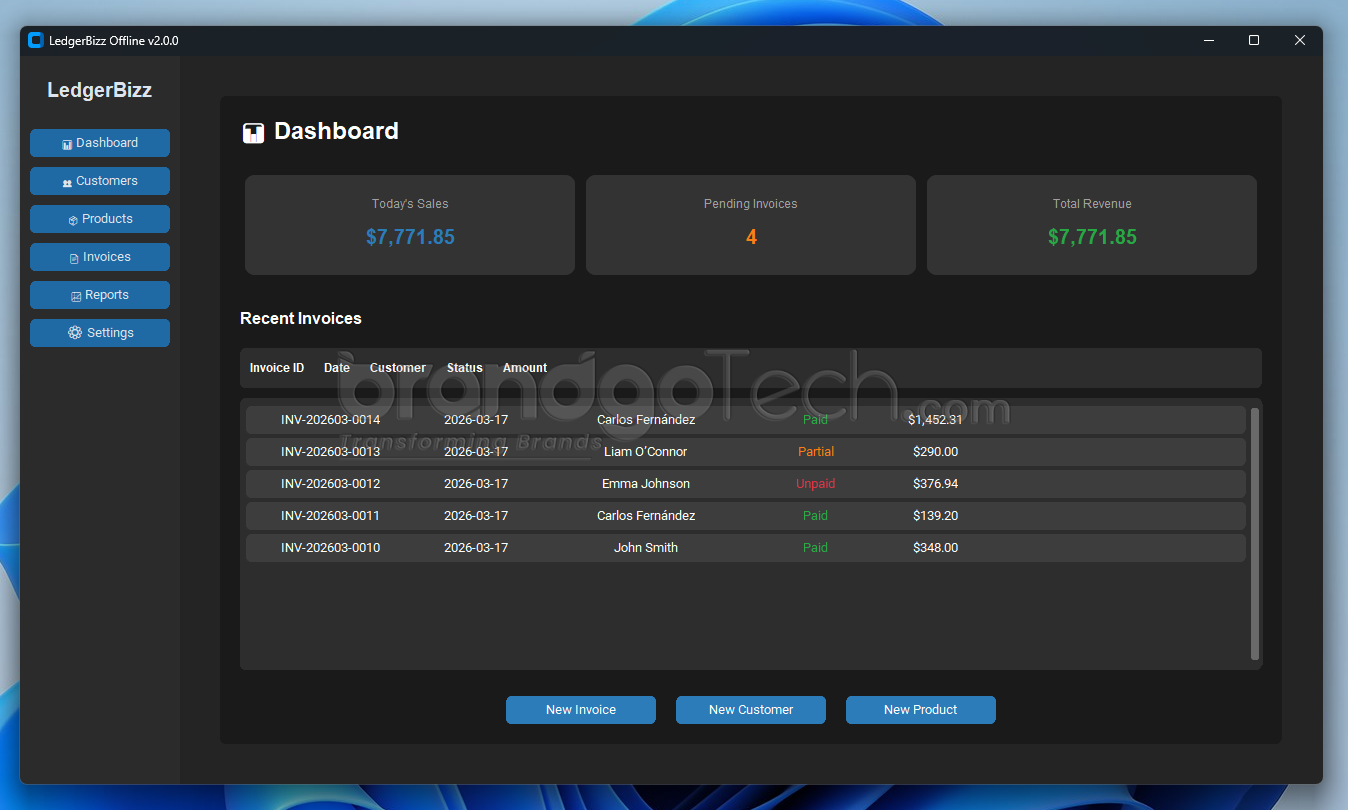
Make informed decisions with real-time insights. Track:
- Total Revenue & Today’s Sales
- Pending vs. Paid Invoices
- Monthly Sales Trends (Charts)
- Top Customers by Revenue
- Outstanding Payments
πΎ Automated Backup & Restore
Never lose valuable business data. LedgerBizz includes one-click backup functionality with ZIP export. Restore your entire database in seconds if needed.
π Enterprise-Grade Security
Your privacy is our priority. LedgerBizz uses Fernet encryption for sensitive data (like Tax PINs) and offers node-locked licensing to protect your software investment. No cloud uploadsβyour data never leaves your device.
π Why Choose LedgerBizz?
|
Feature
|
LedgerBizz
|
Cloud Competitors
|
|---|---|---|
|
Internet Required
|
β No (100% Offline)
|
β
Yes
|
|
Data Privacy
|
β
100% Local Storage
|
β οΈ Cloud Stored
|
|
Pricing Model
|
β
One-Time Purchase
|
β Monthly Subscription
|
|
Speed
|
β
Instant (Desktop App)
|
β οΈ Depends on Connection
|
|
Backup
|
β
Manual & Auto Backup
|
β
Cloud Auto-Backup
|
π» Technical Specifications
- Software Version: v2.0.0
- Developer: BrandGo Technologies
- Platform: Windows 10/11, macOS, Linux
- Installation: Offline Installer (.exe, .dmg, .deb)
- Database: SQLite (Encrypted)
- PDF Engine: ReportLab
- License: Node-Locked (Single User)
- Trial Period: 7-Day Free Trial
π¦ What’s Included in the Download
- LedgerBizz Installer
- User Manual (PDF)
- License Activation Guide
- Sample Database (Optional)
π― Perfect For:
- β Freelancers & Consultants
- β Small Retail Shops
- β Service Providers (Plumbers, Electricians, Designers)
- β Contractors & Builders
- β Privacy-Conscious Businesses
π° Pricing & Licensing
One-Time Payment. Lifetime Access.
- Standard License: $49.00 (Single User, 1 Year Updates)
- Professional License: $99.00 (Single User, Lifetime Updates + Priority Support)
- Free Trial: 7 Days (Full Feature Access)
- No hidden fees. No monthly subscriptions.
π₯ Download LedgerBizz Today
Ready to take control of your business finances? Download the free 7-day trial of LedgerBizz v2.0.0 and experience professional invoicing without the subscription hassle.
[Download Free Trial] | [View Pricing] | [Contact Support]
β Frequently Asked Questions (FAQ)
Q: Does LedgerBizz require an internet connection?
A: No! LedgerBizz is 100% offline software. Your data stays on your computer.
Q: Can I use LedgerBizz on multiple computers?
A: Each license is node-locked to one device. For multiple devices, please purchase additional licenses.
Q: Is my data secure?
A: Yes. LedgerBizz uses Fernet encryption for sensitive fields and stores all data locally in an SQLite database.
Q: Can I customize the invoice PDF?
A: Yes! Upload your logo, stamp, and signature via the Settings menu. Customize company info and currency symbols.
Q: What happens after my license expires?
A: You can continue using the software in read-only mode. Renew your license to continue creating new invoices.